Summit Fleet Transition Guide
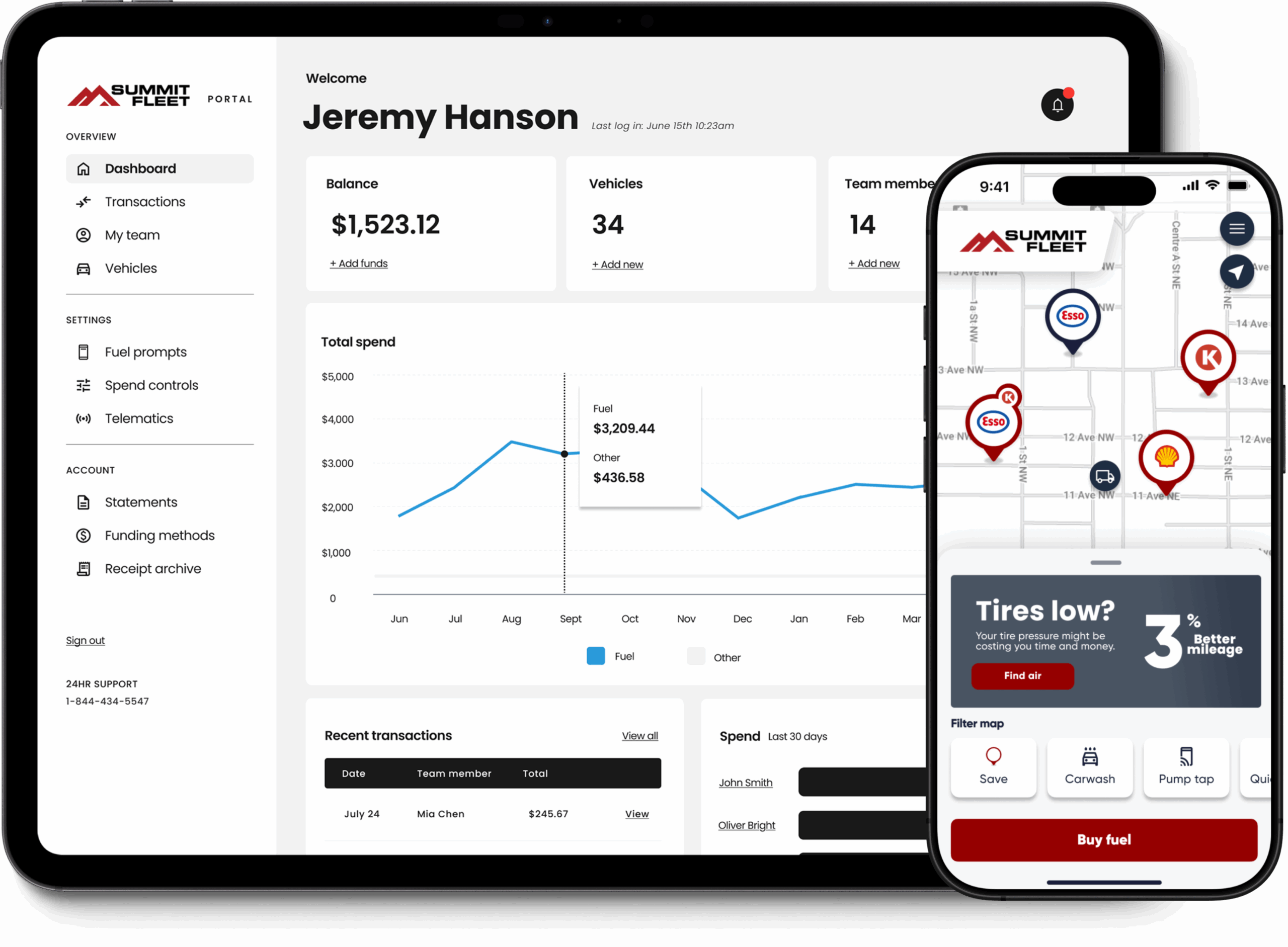
Welcome to the Summit Fleet Fuel Card program — the next evolution in fleet management.
This guide walks you through setup, rollout, and adoption so your team can transition quickly and confidently.
Whether you’re upgrading from traditional fuel cards or moving away from paper reimbursements, Summit Fleet makes it simple.
No downtime. No disruption. Just a smarter, digital way to manage your fleet.
Funding Setup
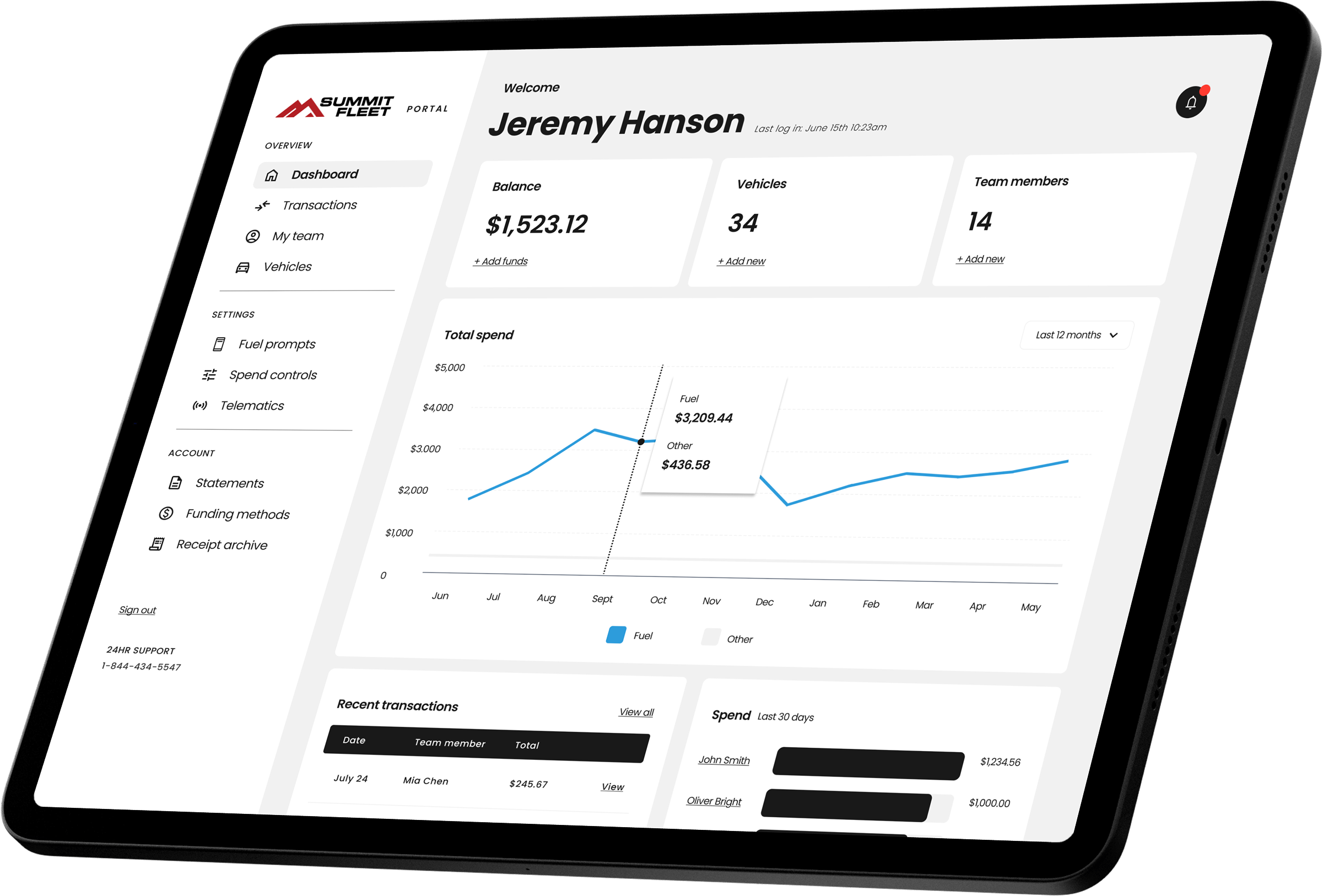
The first step is setting up funding for your account.
Summit Fleet offers several flexible options:
- Scheduled deposits – Fund your account automatically on a set schedule.
- Bank transfer – Use manual transfers for more controlled budgets.
You can define a maximum balance and enable auto top-ups to maintain fuel availability. All transactions are approved in real time — and stay on budget — no surprise invoices and no credit check required.
Once funding is active, your fleet is ready for vehicle setup.
Add Vehicles
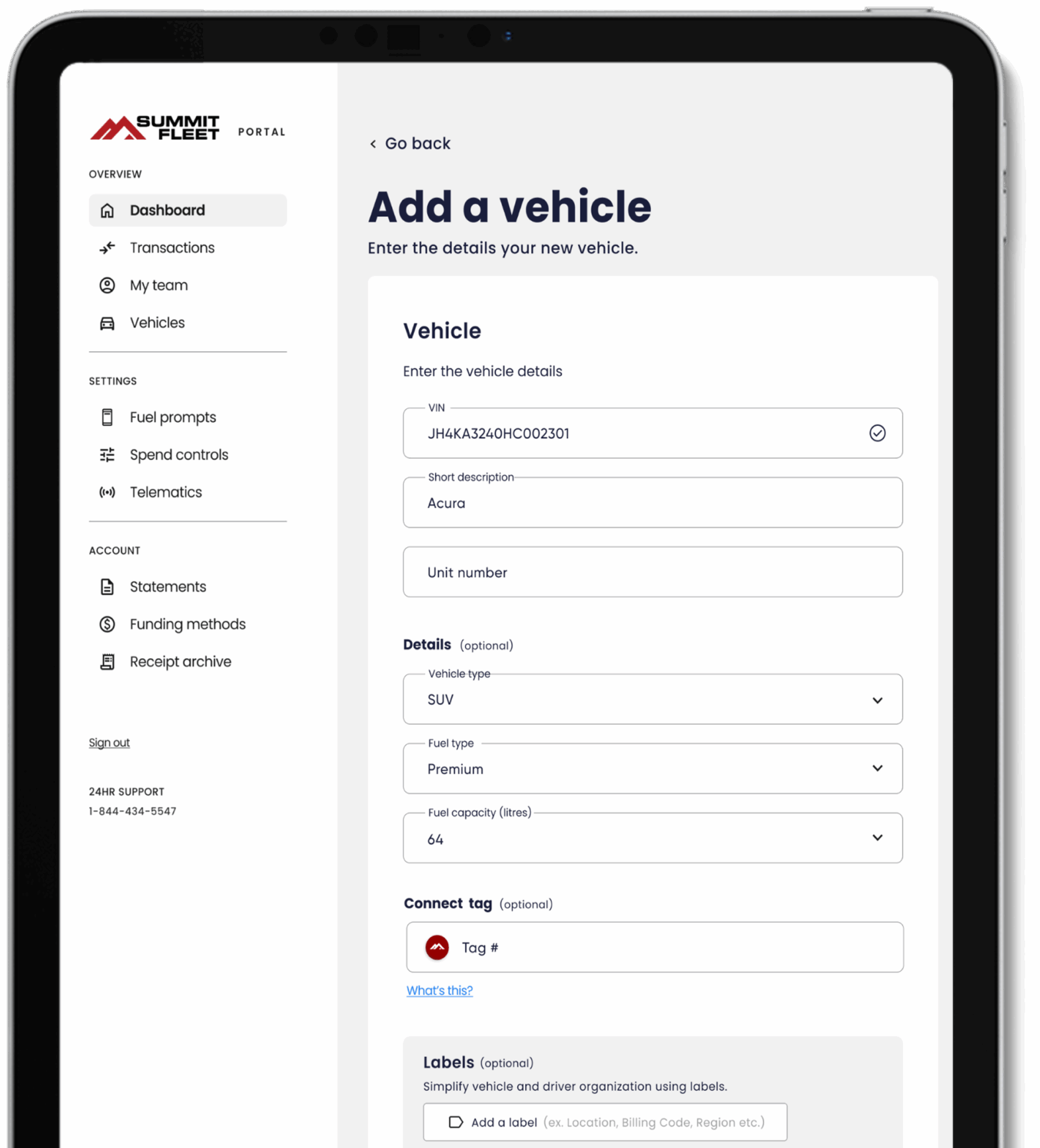
Next, add your vehicles to the platform.
You can do this manually, enter VINs, or import data directly from your telematics provider, including Samsara, Geotab, or Powerfleet.
Each vehicle entry should include:
- Unit number
- Vehicle description, such as make and model
- Fuel type and tank capacity
This ensures accurate reporting and enables real-time visibility across your entire fleet. You can add or remove vehicles at any time, with no limits — your Summit Fleet account grows with your business.

Spend Controls
Set clear parameters that keep your operations efficient and compliant. Spend controls can be customized for your entire fleet or tailored by driver.
Options include:
- Purchase limits (e.g., $150 per fill)
- Frequency limits (e.g., 2 transactions per week)
- Product restrictions (Fuel, Wash, EV, Parking, etc.)
- Day and time (e.g. business hours)
You can disable or adjust permissions instantly from the Summit Fleet portal or app. These controls reduce fraud, improve accountability, and make expense management effortless.
Prompts & Receipts
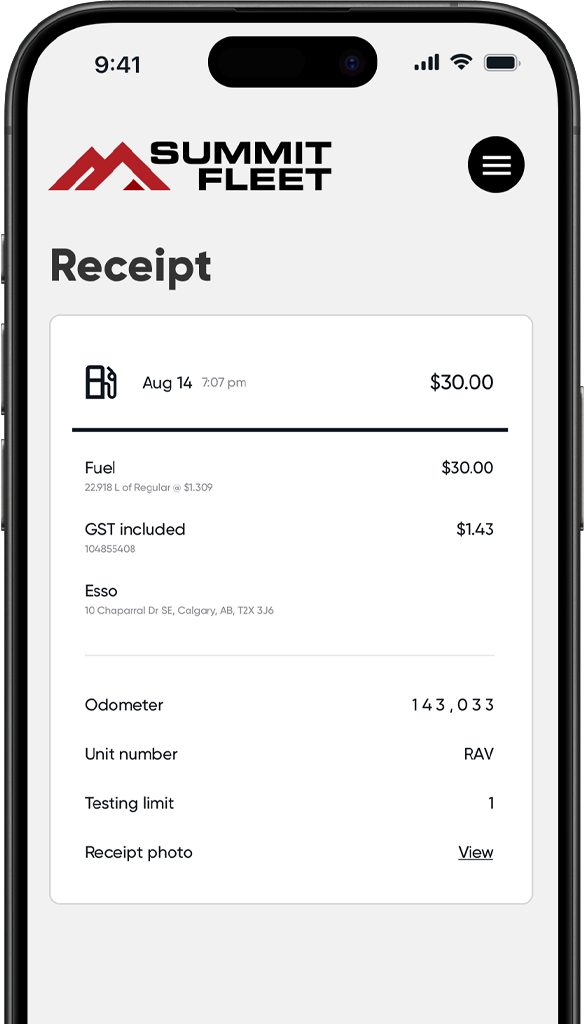
Each purchase can trigger simple prompts for required data, giving you richer insights at every transaction.
Common prompts include:
- Odometer reading (auto-captured with telematics)
- Vehicle or unit ID
- Work order number
- Personal driving miles
- Receipt photo upload
- Customizable prompt to capture any other information
Once submitted, all data appears instantly in your Summit Fleet portal for reporting and audit purposes.
Invite Drivers
There are a few ways to add your team:
- Manually add drivers in the app or portal. Just enter the driver’s name and mobile number.
- Add multiple drivers at once using the CSV template available in the portal under Team.
- Import drivers directly from Samsara, Geotab, or Powerfleet. If a driver already exists in the app, their telematics profile can be merged – no duplicate invites or accounts will be created.
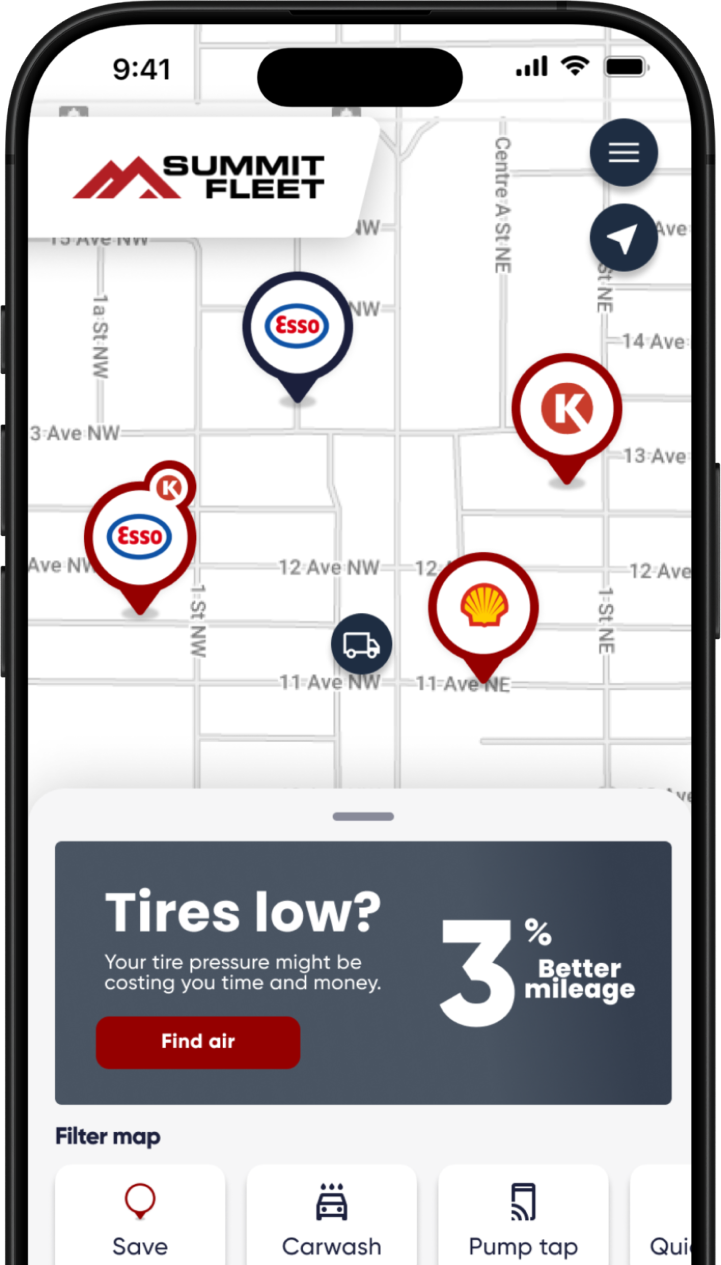
Once invited, drivers receive an SMS immediately with instructions to download the Summit Fleet app and add their digital card to their wallet. They can begin making purchases right away. A physical card will also be automatically ordered for each driver and shipped to your address.
Pilot Program
For fleets with more than 25 drivers, it’s common to do a short pilot phase before rolling out fleet-wide. This allows your team to confirm spend rules, validate integrations, and gather driver feedback.
Typical pilot setup:
- 2–5 drivers or vehicles
- 1–2 weeks of testing
- Weekly review with your Account Manager
During the pilot, you’ll identify any adjustments needed in spend controls or workflows before expanding to the rest of your fleet.

Go Live
After a successful pilot, it’s time to go live.
- Digital cards remain active and ready.
- Physical cards arrive by mail.
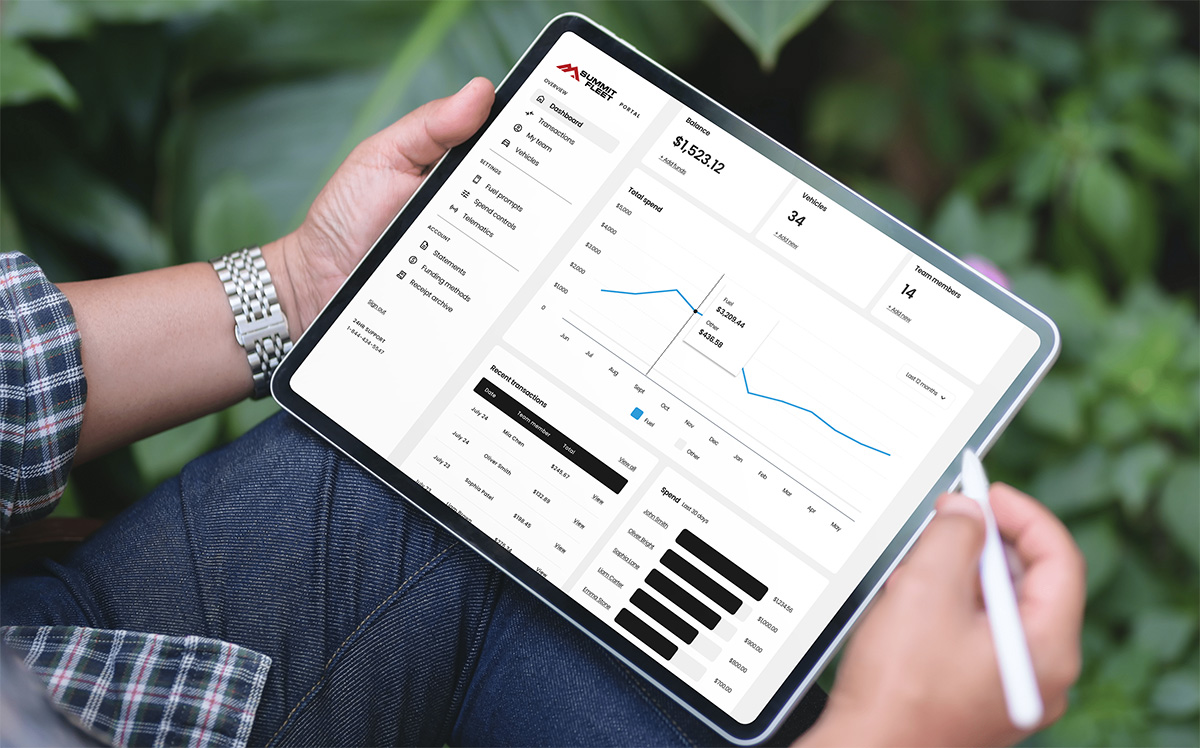
- All reporting and spend insights are visible in your Summit Fleet dashboard.
Your entire fueling process is now digital, unified, and transparent.
From this point on, your team can track every gallon, driver, and dollar — all in one place.

Need Support?
Need help during setup or rollout? Our Customer Success team is here for you.
The Summit Visa® Card is issued in the U.S.A. by Cross River Bank, Member FDIC, pursuant to a license from Visa U.S.A. Inc.
Visa is a registered trademark of Visa, U.S.A. Inc. All other trademarks and service marks belong to their respective owners.
The Summit Visa® Card is issued in Canada by Digital Commerce Bank under license from *Visa Int./Digital Commerce Bank, Licensed User. Program management and platform services are provided by Fillip Fleet Inc.
Use of the card is subject to the Cardholder Agreement with Digital Commerce Bank.